ANÚNCIOS
For years, hardcore gamers have dismissed mobile shooters with a wave of their hand, claiming that touchscreen controls could never match the precision of mouse and keyboard or the comfort of a controller. And honestly? They had a point—for a while. Early mobile shooters were clunky, imprecise, and frankly frustrating to play.
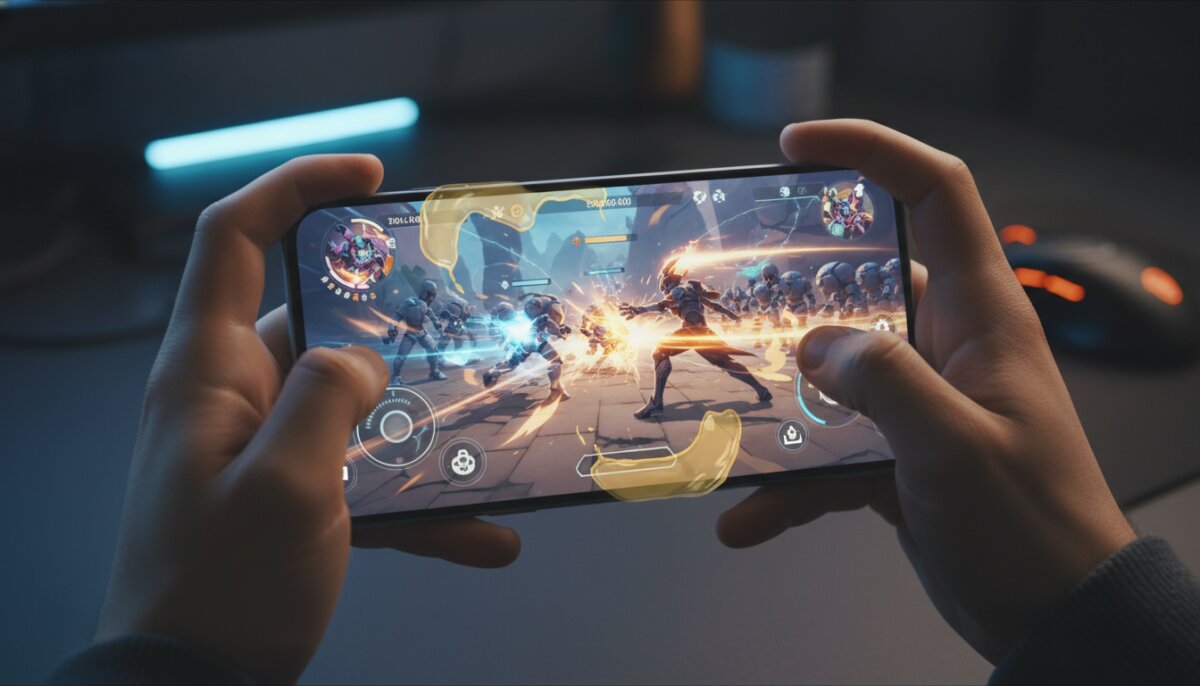
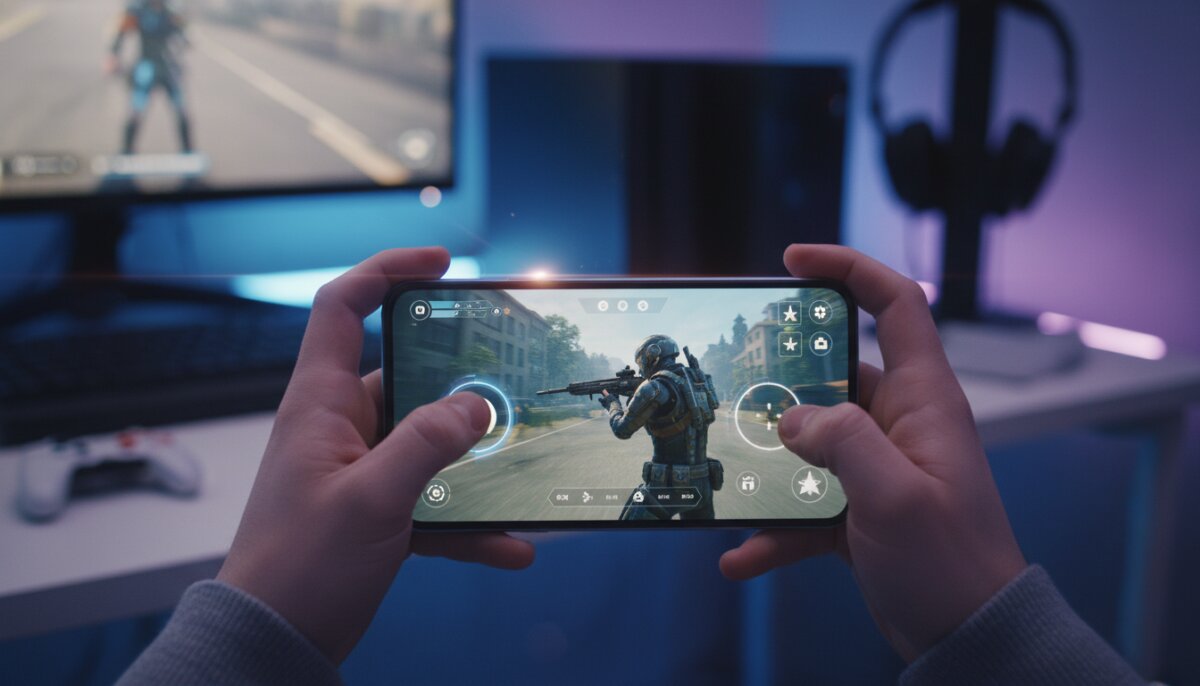
But the landscape has changed dramatically. Developers have cracked the code on touchscreen aiming, implementing clever control schemes, aim assist that doesn’t feel cheap, and intuitive interfaces that make fragging enemies on your phone genuinely satisfying. Today’s mobile shooters aren’t just “good for mobile games”—they’re legitimately great gaming experiences that stand on their own merits.
ANÚNCIOS
Let’s dive into the mobile shooters that have proven the doubters wrong and demonstrated that touchscreen aim can absolutely work when done right.
Call of Duty: Mobile – The Gold Standard
When Activision announced Call of Duty: Mobile, skeptics wondered if the franchise’s fast-paced action could translate to touchscreens. The answer came swiftly: not only could it work, but it could work brilliantly. This game set a new benchmark for what mobile shooters could achieve.
ANÚNCIOS
The control scheme in COD Mobile offers multiple customization options that let players adjust button size, position, and sensitivity to their exact preferences. The default settings work surprisingly well for newcomers, but the depth of customization means experienced players can create a setup that feels natural to them.
What really makes COD Mobile shine is its balanced aim assist system. It provides just enough help to make tracking enemies feel smooth without doing all the work for you. You still need skill to win gunfights, but the game doesn’t fight against you with unresponsive controls.
The game features classic maps from the console series, multiple game modes including Battle Royale, and smooth 60fps gameplay on capable devices. It proves that a full-featured shooter experience can exist on mobile without compromise.
PUBG Mobile – Battle Royale Done Right
PUBG Mobile brought the battle royale phenomenon to smartphones and did it so well that many players actually prefer it to the PC version. That’s not just about accessibility—it’s about how well Tencent adapted the controls for touchscreen play.
The game uses a contextual button system that’s borderline genius. Buttons appear when you need them and disappear when you don’t, reducing screen clutter while ensuring you always have access to necessary actions. Opening doors, picking up items, and vaulting over obstacles all happen with simple taps that don’t interfere with aiming.
PUBG Mobile’s shooting mechanics offer different firing modes—including a full auto option that fires when you aim at enemies—making it accessible to casual players while still rewarding skilled manual shooting. The gyroscope aiming option adds another layer of precision for players who want it.
With regular updates, new maps, and competitive seasons, PUBG Mobile has maintained a massive player base for years. The touchscreen controls aren’t just functional—they’re part of why the game became a global phenomenon.
Apex Legends Mobile – Tactical Shooting on the Go
Respawn Entertainment’s hero shooter made its mobile debut with high expectations, and it delivered a surprisingly faithful adaptation of the console experience. Apex Legends Mobile brings the game’s signature movement and tactical gameplay to touchscreens without losing what makes it special.
The control scheme handles the complexity of Apex’s movement system remarkably well. Sliding, climbing, and using legend abilities all feel natural on touchscreen, which is no small feat considering how movement-focused the game is. The ability button placement is particularly well thought out, making it easy to use tactical and ultimate abilities mid-combat.
What impressed many players was how the game maintains the fast time-to-kill and precision gunplay of the original while adapting it for mobile. The weapons feel punchy and distinct, and landing shots feels genuinely rewarding rather than like the game is doing it for you.
Critical Ops – Counter-Strike for Your Pocket
Critical Ops takes clear inspiration from Counter-Strike, offering tactical 5v5 gameplay with an emphasis on precise shooting and map knowledge. What makes it remarkable is how it captures that competitive essence while being built from the ground up for mobile.
The game features minimal aim assist compared to other mobile shooters, which might sound like a drawback but actually creates a higher skill ceiling. Players who master the touchscreen controls gain a genuine competitive advantage, making victories feel earned rather than assisted.
The weapon handling requires learning recoil patterns and practicing spray control, just like its PC inspiration. This level of depth in a mobile shooter proves that touchscreen controls can support genuinely competitive gameplay when designed with that intention.
Modern Combat 5 – The Console Experience on Mobile
Gameloft’s Modern Combat series has been pushing mobile shooters forward for years, and Modern Combat 5 represents the pinnacle of their efforts. It offers a full campaign mode alongside competitive multiplayer, all with controls that feel surprisingly console-like.
The game includes multiple control layouts to suit different play styles, including options that separate movement and aiming or combine them. This flexibility means players can experiment to find what works best for them rather than being forced into a one-size-fits-all solution.
Modern Combat 5’s graphics push mobile hardware to its limits, proving that visual fidelity and responsive controls can coexist. The game maintains smooth performance while delivering console-quality visuals, creating an immersive shooter experience.
Why These Games Succeed: Key Features
Looking at these successful mobile shooters, several common elements emerge that make touchscreen aiming work effectively. Understanding these features helps explain why modern mobile shooters feel so much better than their predecessors.
- Customizable HUD layouts that let players position buttons where they feel natural
- Adjustable sensitivity settings for both general aiming and scope aiming
- Gyroscope support for players who want to fine-tune their aim with device tilting
- Smart aim assist that helps without removing skill requirements
- Contextual controls that reduce screen clutter by showing buttons only when needed
- Multiple firing modes including tap-to-shoot and automatic firing options
- Haptic feedback that provides tactile response to actions
- High frame rate support on capable devices for smoother aiming
The Role of Aim Assist: Finding the Balance
Let’s address the elephant in the room: aim assist. Critics often point to aim assist as proof that touchscreen aiming doesn’t “really” work. But this perspective misunderstands both game design and what makes controls feel good.
Console shooters have used aim assist for decades. The difference between input methods isn’t about whether assistance exists, but about how much assistance is appropriate. Mobile shooters that get this balance right provide enough help to compensate for touchscreen limitations without playing the game for you.
Good aim assist in mobile shooters does subtle things: slight magnetism when your crosshair passes near an enemy, minor slowdown when aiming at targets, and rotation assistance for tracking moving opponents. These features make aiming feel responsive rather than fighting against imprecise touch input.
The best mobile shooters also let players adjust or disable aim assist, recognizing that different players have different preferences and skill levels. This customization respects player agency while acknowledging that most people benefit from some assistance.
Gyroscope Aiming: The Secret Weapon
One feature that separates great mobile shooters from mediocre ones is robust gyroscope support. This allows players to make fine adjustments to their aim by physically tilting their device, adding a level of precision that pure touchscreen controls can’t match.
Many competitive mobile shooter players use a hybrid control scheme: thumbs for general movement and camera control, with gyroscope for precise aiming adjustments. This combination can be incredibly effective, with top players achieving accuracy that rivals controller users.
Games like PUBG Mobile and Call of Duty: Mobile offer extensive gyroscope customization, letting players adjust sensitivity, choose which actions trigger gyroscope input, and even set different sensitivities for scoped versus unscoped aiming. This level of control transforms gyroscope from a gimmick into a genuine competitive tool.
The Competitive Scene: Proof of Viability
Perhaps the strongest evidence that touchscreen aiming works is the thriving competitive scene around mobile shooters. PUBG Mobile hosts tournaments with prize pools in the millions, while Call of Duty: Mobile has its own world championship.
Professional mobile shooter players demonstrate incredible precision and game sense, pulling off plays that would impress in any gaming context. The existence of players who dedicate themselves to mastering these games competitively proves that the skill ceiling is genuinely high.
These competitive scenes have also driven innovation in mobile shooter design. Developers watch how pros play and use that information to refine controls, balance weapons, and create fairer competitive environments. The feedback loop between competitive play and game development has elevated the entire genre.
Pros and Cons of Mobile Shooter Controls
To give a balanced perspective, let’s examine the strengths and weaknesses of touchscreen controls for shooters compared to traditional input methods.
Pros
- Portability – Play anywhere without additional equipment
- Accessibility – Lower barrier to entry than buying gaming hardware
- Direct input – Touching where you want to aim feels intuitive
- Customization – Extensive options to personalize your control scheme
- Gyroscope potential – Adds precision beyond what thumbsticks offer
- Quick actions – Abilities and items accessible with single taps
Cons
- Screen obstruction – Your thumbs block part of the view
- Fatigue – Extended play can tire hands more than controllers
- Precision ceiling – Maximum possible accuracy lower than mouse aiming
- Tactile feedback – Lacks the physical response of buttons and triggers
- Learning curve – Requires adaptation period for traditional gamers
- Accidental inputs – Easier to tap wrong buttons in heated moments
Tips for Improving Your Mobile Shooter Aim
If you’re convinced to give mobile shooters a serious try, here are some practical tips to improve your touchscreen aiming and overall performance.
Start with sensitivity adjustment. Most players benefit from lower sensitivity than they initially think. Start low and gradually increase until you find the sweet spot where you can track targets smoothly without overshooting.
Experiment with HUD layouts. Don’t stick with defaults if they don’t feel right. Spend time in practice modes testing different button positions until everything feels natural and accessible without looking.
Enable and practice with gyroscope. It feels weird at first, but gyroscope aiming becomes second nature with practice. Start with low gyroscope sensitivity and use it only for fine adjustments while scoped.
Use a screen protector. A smooth glass screen protector helps your thumbs glide more easily than bare glass or plastic, improving responsiveness and reducing friction during intense matches.
Play with good posture. Hold your device at a comfortable angle and distance. Poor posture not only causes fatigue but also makes precise aiming more difficult.
The Future of Mobile Shooter Controls
Mobile shooter controls continue to evolve, with developers constantly refining and innovating. We’re seeing experiments with AI-assisted aiming that learns individual player patterns, haptic feedback that’s more sophisticated than simple vibration, and even integration with external controllers for players who want that option.
Some games are exploring voice commands for certain actions, freeing up screen space and reducing the number of buttons players need to manage. Others are implementing better spectator modes and replay systems that help players analyze and improve their aim.
As mobile hardware becomes more powerful, we’ll likely see even smoother performance and more responsive controls. Higher refresh rate displays are becoming standard on gaming phones, making aiming feel more immediate and precise.
Final Thoughts
The debate over whether touchscreen aim can work is essentially settled. These games prove conclusively that with thoughtful design, robust customization, and smart implementation of assistance features, mobile shooters can deliver genuinely satisfying and competitive experiences.
Are touchscreen controls identical to mouse and keyboard or controllers? No, and they don’t need to be. They’re a different input method with their own strengths and characteristics. Dismissing mobile shooters because they don’t play exactly like PC or console games misses the point entirely.
The millions of players enjoying these games daily, the thriving competitive scenes, and the continued innovation in mobile shooter design all demonstrate that touchscreen aiming has found its place in the gaming ecosystem. Whether you’re a hardcore gamer looking for on-the-go action or someone discovering shooters for the first time, modern mobile shooters offer experiences worth taking seriously.
So download one of these titles, spend some time customizing your controls, and give touchscreen aiming a fair chance. You might be surprised at how good it feels when done right.